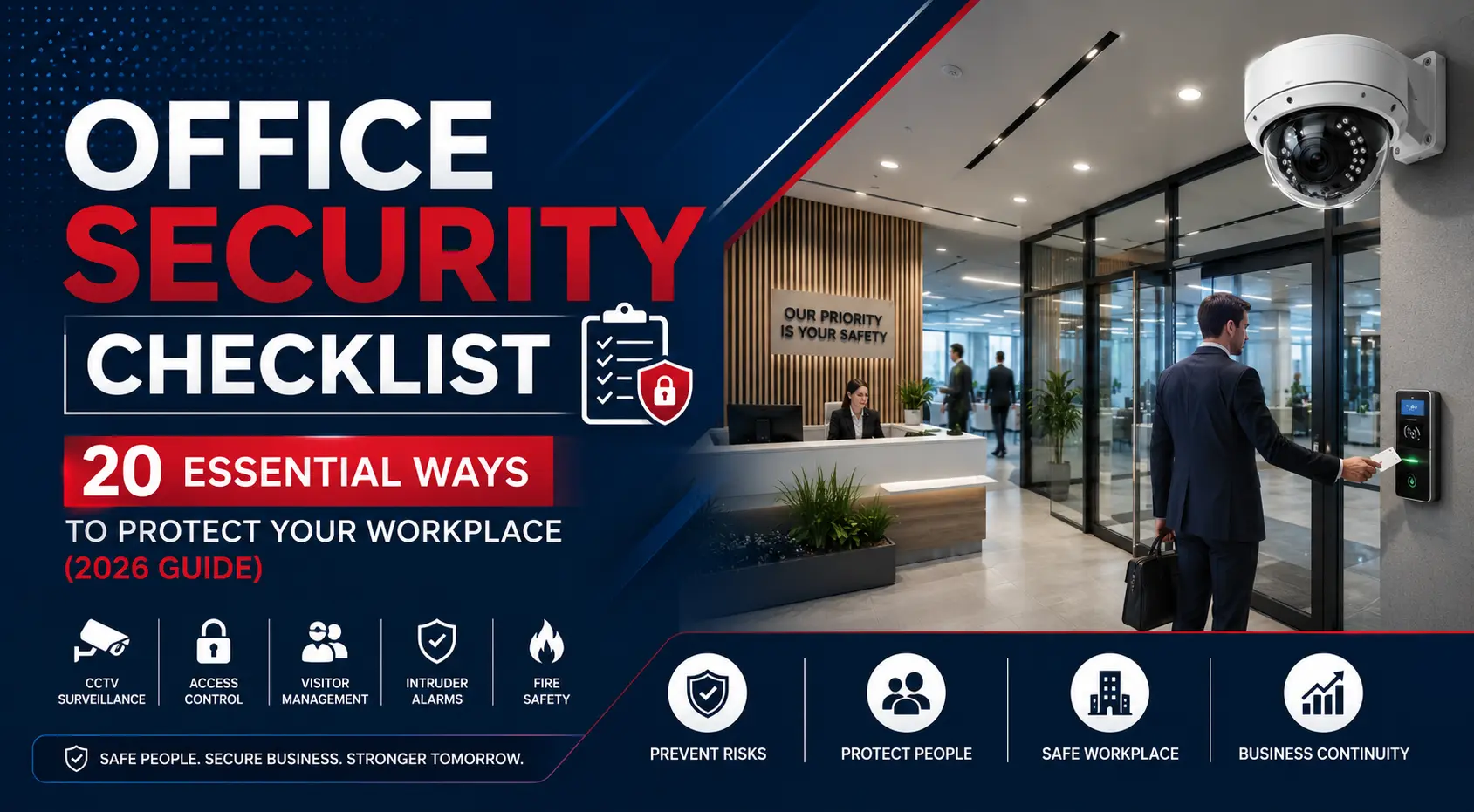
Every office, regardless of its size or industry, has a responsibility to provide a safe and secure environment for employees, visitors and valuable business assets. From confidential documents and computer equipment to sensitive customer information, today's workplaces face a wide range of security risks that can disrupt operations and damage a company's reputation.
Modern office security goes far beyond simply locking the front door at the end of the day. Businesses now rely on integrated security solutions such as CCTV surveillance, access control systems, visitor management, intruder alarms and fire protection to safeguard their premises around the clock.
Whether you operate a small office, a corporate headquarters, a co-working space or a multi-storey commercial building, having a structured security plan can significantly reduce risks while improving employee confidence and business continuity.
This comprehensive Office Security Checklist provides practical steps every UK business should follow to strengthen workplace security, prevent unauthorised access and protect people, property and information in 2026 and beyond.
Table of Contents
- Why Office Security Matters
- 20 Essential Office Security Measures
- Weekly Office Security Checklist
- Monthly Office Security Checklist
- Quarterly Security Audit
- Common Office Security Mistakes
- Frequently Asked Questions
Why Office Security Matters
Office buildings are often targeted by opportunistic criminals looking to steal expensive equipment, confidential documents or gain unauthorised access to restricted areas. At the same time, businesses must also protect employees from potential safety risks while ensuring compliance with workplace health and safety responsibilities.
A well-planned security strategy helps organisations:
- Prevent unauthorised access.
- Protect employees and visitors.
- Reduce theft and vandalism.
- Safeguard confidential business information.
- Support emergency response procedures.
- Provide evidence following incidents.
- Improve staff confidence.
- Reduce insurance risks.
- Maintain business continuity.
Investing in office security is not simply about protecting physical assets—it also helps build trust with employees, customers and business partners by demonstrating a commitment to safety and professionalism.
20 Essential Office Security Measures
1. Secure Every Entry and Exit Point
The first line of defence for any workplace is controlling who can enter and leave the building. Main entrances, staff doors, emergency exits and loading areas should all be secured using appropriate locking systems and monitored wherever possible.
Businesses should routinely inspect doors, locks and access points to ensure they remain in good working condition.
Best Practices
- Install high-security locks.
- Keep emergency exits unobstructed.
- Ensure external doors close automatically.
- Inspect doors regularly for damage.
- Restrict access to authorised personnel.
2. Implement a Visitor Management System
Visitors, contractors and delivery personnel should never be allowed unrestricted access to office areas. A professional visitor management process helps businesses know exactly who is on-site at any given time.
Reception staff should verify appointments, issue visitor passes and ensure guests are accompanied when entering restricted areas.
Visitor Management Checklist
- Maintain a visitor register.
- Issue temporary visitor badges.
- Verify identity where appropriate.
- Escort visitors when necessary.
- Collect visitor passes upon departure.
Digital visitor management systems can further improve efficiency by recording visitor details electronically and providing an audit trail for future reference.
3. Install High-Quality CCTV Surveillance
Commercial CCTV systems remain one of the most effective ways to deter criminal activity and monitor office premises. Visible cameras discourage theft, while recorded footage provides valuable evidence should an incident occur.
Modern IP-based CCTV systems also allow remote monitoring, intelligent motion detection and AI-powered analytics, making them an essential part of any office security strategy.
Key CCTV Locations
- Main entrance.
- Reception area.
- Car parks.
- Emergency exits.
- Office corridors.
- Server rooms.
- Storage areas.
- Loading bays.
Routine maintenance ensures your CCTV system continues to provide clear footage and reliable performance throughout the year.
4. Use Access Control to Restrict Sensitive Areas
Not every employee requires access to every part of the building. Access control systems allow businesses to define who can enter specific areas and at what times, significantly reducing the risk of unauthorised entry.
Common access control methods include key cards, PIN codes, mobile credentials and biometric authentication.
Areas That Should Be Access Controlled
- Server rooms.
- Finance departments.
- HR offices.
- Executive offices.
- Storage rooms.
- Plant rooms.
- Data centres.
Access logs also provide valuable records that can assist during investigations or security audits.
5. Strengthen Reception Security
The reception area is often the first point of contact for visitors and plays an important role in maintaining workplace security. Reception staff should be trained to recognise suspicious behaviour, verify visitor appointments and respond appropriately to security incidents.
A well-designed reception should include CCTV coverage, controlled access doors, visitor sign-in procedures and clear communication with the rest of the building.
Reception Security Checklist
- Install CCTV covering reception.
- Use controlled entry doors.
- Provide visitor identification badges.
- Keep emergency contact numbers readily available.
- Train reception staff on security procedures.
6. Improve Exterior and Interior Security Lighting
Good lighting is one of the simplest yet most effective ways to improve office security. Criminals are far less likely to target premises that are well illuminated, particularly around entrances, exits, car parks and walkways. Proper lighting also helps employees and visitors feel safer when arriving early or leaving after dark.
LED lighting combined with motion sensors can improve visibility while reducing energy costs.
Lighting Checklist
- Install LED security lighting around entrances.
- Illuminate car parks and pedestrian walkways.
- Use motion-activated lighting where appropriate.
- Replace faulty bulbs immediately.
- Inspect lighting regularly.
7. Install and Maintain Fire Alarm Systems
Office security is about more than preventing crime—it also involves protecting lives during emergencies. A professionally installed fire alarm system provides early warning, allowing employees and visitors to evacuate safely.
Fire alarms should be tested regularly and maintained in accordance with manufacturer recommendations and your organisation's fire safety procedures.
Fire Safety Checklist
- Test fire alarms regularly.
- Keep manual call points accessible.
- Ensure emergency exits remain unobstructed.
- Inspect smoke detectors.
- Review evacuation procedures with staff.
8. Protect the Office with an Intruder Alarm System
An intruder alarm provides an additional layer of protection when your office is unoccupied. Modern alarm systems can detect unauthorised entry, trigger audible alerts and notify designated personnel or monitoring centres.
When integrated with CCTV and access control, intruder alarms create a comprehensive business security solution.
Best Practices
- Install alarms at all entry points.
- Protect vulnerable windows.
- Use monitored alarm services where required.
- Test alarm functionality regularly.
- Change access codes when employees leave.
9. Strengthen Cyber Security Alongside Physical Security
Modern offices rely heavily on digital systems, making cyber security just as important as physical security. Criminals may target business networks through phishing attacks, weak passwords or unsecured devices.
Combining strong cyber security with physical access controls helps protect confidential information and business operations.
Cyber Security Essentials
- Use strong, unique passwords.
- Enable multi-factor authentication.
- Keep software updated.
- Encrypt sensitive information.
- Restrict access to confidential files.
- Provide cyber awareness training.
10. Train Employees on Security Awareness
Even the most advanced security systems can be undermined by human error. Employees should understand their role in maintaining workplace security and know how to identify suspicious behaviour.
Regular training encourages staff to report concerns promptly and follow established security procedures.
Topics to Cover
- Tailgating prevention.
- Visitor verification.
- Emergency procedures.
- Reporting suspicious activity.
- Protecting company information.
- Safe key and access card handling.
11. Develop an Emergency Response Plan
Every office should have a documented emergency response plan covering fire, medical emergencies, security incidents and evacuation procedures. Employees should know what to do and where to go if an emergency occurs.
Emergency Planning Checklist
- Display evacuation routes clearly.
- Identify assembly points.
- Train designated fire marshals.
- Maintain first aid supplies.
- Conduct regular evacuation drills.
Review emergency procedures at least annually or whenever significant changes are made to the workplace.
12. Secure Keys, Access Cards and Valuable Assets
Lost keys or access cards can create significant security risks if they fall into the wrong hands. Businesses should maintain strict control over physical keys, access credentials and valuable equipment.
Items such as laptops, mobile devices, confidential documents and company vehicles should also be protected through secure storage and access procedures.
Asset Protection Checklist
- Maintain a key register.
- Deactivate lost access cards immediately.
- Lock valuable equipment away when not in use.
- Use secure cabinets for confidential documents.
- Track company-issued devices.
- Review access permissions regularly.
Combining effective asset management with CCTV surveillance and access control significantly reduces the risk of theft, loss and unauthorised access.
13. Monitor Your Office Remotely
Modern office security systems allow business owners and facility managers to monitor their premises from virtually anywhere. Whether you're travelling, working from home or managing multiple office locations, remote monitoring provides real-time visibility and greater peace of mind.
By accessing live CCTV feeds, alarm notifications and access control events through a secure mobile app or desktop platform, you can respond quickly to potential security incidents.
Benefits of Remote Monitoring
- View live CCTV footage anytime.
- Receive instant security alerts.
- Monitor multiple office locations from one platform.
- Review recorded footage remotely.
- Respond quickly to suspicious activity.
- Improve overall operational oversight.
14. Carry Out Regular Security Maintenance
Installing security equipment is only the first step. Regular maintenance ensures your CCTV cameras, access control systems, fire alarms and intruder alarms continue operating efficiently when they're needed most.
Routine inspections help identify worn components, software issues and equipment faults before they become serious security risks.
Maintenance Checklist
- Clean CCTV camera lenses.
- Test recording quality.
- Inspect access control readers.
- Check emergency lighting.
- Test fire alarms.
- Verify intruder alarm operation.
- Update system firmware.
- Review security logs.
15. Protect Sensitive Documents and Data
Confidential information is one of your business's most valuable assets. Whether stored digitally or in paper form, sensitive documents should only be accessible to authorised personnel.
Best Practices
- Lock confidential files in secure cabinets.
- Use document shredders for disposal.
- Encrypt digital files.
- Restrict printing of sensitive documents.
- Review access permissions regularly.
16. Secure Company Equipment
Laptops, desktop computers, mobile phones, tablets and specialist equipment are common targets for theft. Keeping an accurate inventory and implementing secure storage procedures can significantly reduce losses.
Equipment Security Tips
- Asset-tag all company equipment.
- Store valuable devices securely overnight.
- Enable device tracking where available.
- Lock unattended workstations.
- Carry out regular inventory checks.
17. Strengthen Car Park and Perimeter Security
Your security strategy shouldn't stop at the office door. Car parks, delivery areas and building perimeters are often targeted by criminals because they are less visible than internal areas.
Perimeter Security Checklist
- Install CCTV covering external areas.
- Maintain perimeter fencing and gates.
- Use security lighting throughout the site.
- Clearly mark visitor parking areas.
- Restrict vehicle access where necessary.
18. Conduct Routine Security Audits
Regular security audits help identify weaknesses before they become serious problems. Reviewing your procedures, equipment and staff awareness allows your business to continuously improve its security measures.
Audit Areas
- Physical security.
- CCTV coverage.
- Access control permissions.
- Visitor procedures.
- Fire safety equipment.
- Emergency planning.
- Cyber security controls.
19. Review Security Policies Regularly
Business risks change over time, and your security policies should evolve accordingly. Any office expansion, staff changes or technology upgrades should prompt a review of your security procedures.
Policy Review Checklist
- Update emergency contacts.
- Review employee access levels.
- Update visitor procedures.
- Revise incident reporting processes.
- Communicate policy changes to all staff.
20. Work with a Professional Security Provider
One of the most effective ways to protect your workplace is by partnering with an experienced commercial security company. Professional installers can assess your premises, recommend the most suitable security solutions and provide ongoing maintenance and support.
A tailored security system ensures your office receives the right level of protection without unnecessary complexity or expense.
Weekly Office Security Checklist
- ✔ Check CCTV cameras are recording correctly.
- ✔ Test access control systems.
- ✔ Inspect exterior lighting.
- ✔ Verify visitor records.
- ✔ Ensure emergency exits are clear.
- ✔ Check alarm system status.
- ✔ Lock confidential files securely.
Monthly Office Security Checklist
- ✔ Review CCTV footage quality.
- ✔ Test intruder alarms.
- ✔ Inspect fire alarm systems.
- ✔ Update employee access permissions.
- ✔ Review cyber security updates.
- ✔ Inspect perimeter fencing.
- ✔ Audit security equipment.
Quarterly Security Audit
Every three months, businesses should carry out a more comprehensive review of their workplace security.
Quarterly Audit Includes:
- Review all CCTV camera coverage.
- Assess access control permissions.
- Evaluate emergency procedures.
- Inspect security lighting.
- Update staff security training.
- Review maintenance records.
- Identify new security risks.
Common Office Security Mistakes
Even organisations with security systems in place can leave themselves vulnerable if best practices are not followed.
- Using outdated CCTV equipment.
- Sharing access cards between employees.
- Failing to train staff.
- Ignoring routine maintenance.
- Poor visitor management.
- Weak passwords.
- Unsecured confidential documents.
- Inadequate perimeter lighting.
- Not reviewing security policies.
- Delaying equipment upgrades.
Improve Your Office Security with Third Eye Security
Protecting your workplace starts with the right security strategy. Whether you need a new CCTV system, access control installation, intruder alarm or a complete office security upgrade, Third Eye Security provides tailored solutions for businesses across the UK.
Our experienced engineers will assess your premises, identify potential vulnerabilities and recommend the most effective security system for your organisation.
Contact Third Eye Security today to arrange a free site survey and receive a no-obligation quotation for your office security requirements.
Conclusion
Creating a secure workplace requires more than installing a few security cameras or locking the office at the end of the day. A comprehensive office security strategy combines physical security, technology, employee awareness and regular maintenance to minimise risks and protect your organisation.
By following this 20-point Office Security Checklist, businesses can strengthen their security posture, improve workplace safety, protect valuable assets and maintain business continuity. Small improvements—such as better visitor management, routine CCTV maintenance, stronger access control and regular staff training—can make a significant difference over time.
Security threats continue to evolve, which is why regular reviews, system upgrades and professional support are essential. Investing in modern security solutions today can help prevent costly incidents tomorrow.
Secure Your Office with Third Eye Security
Whether you're upgrading an existing system or planning a completely new office security solution, Third Eye Security can help.
We provide expert installation and maintenance of:
- Commercial CCTV Systems
- Access Control Systems
- Intruder Alarm Systems
- Fire Alarm Systems
- Video Door Entry Systems
- Remote Monitoring Solutions
Our experienced team will assess your premises, identify potential vulnerabilities and recommend a tailored solution that meets your operational needs and budget.
Contact Third Eye Security today for a free site survey and no-obligation quotation.